How to Upgrade Your Heating for Smart Home Integration
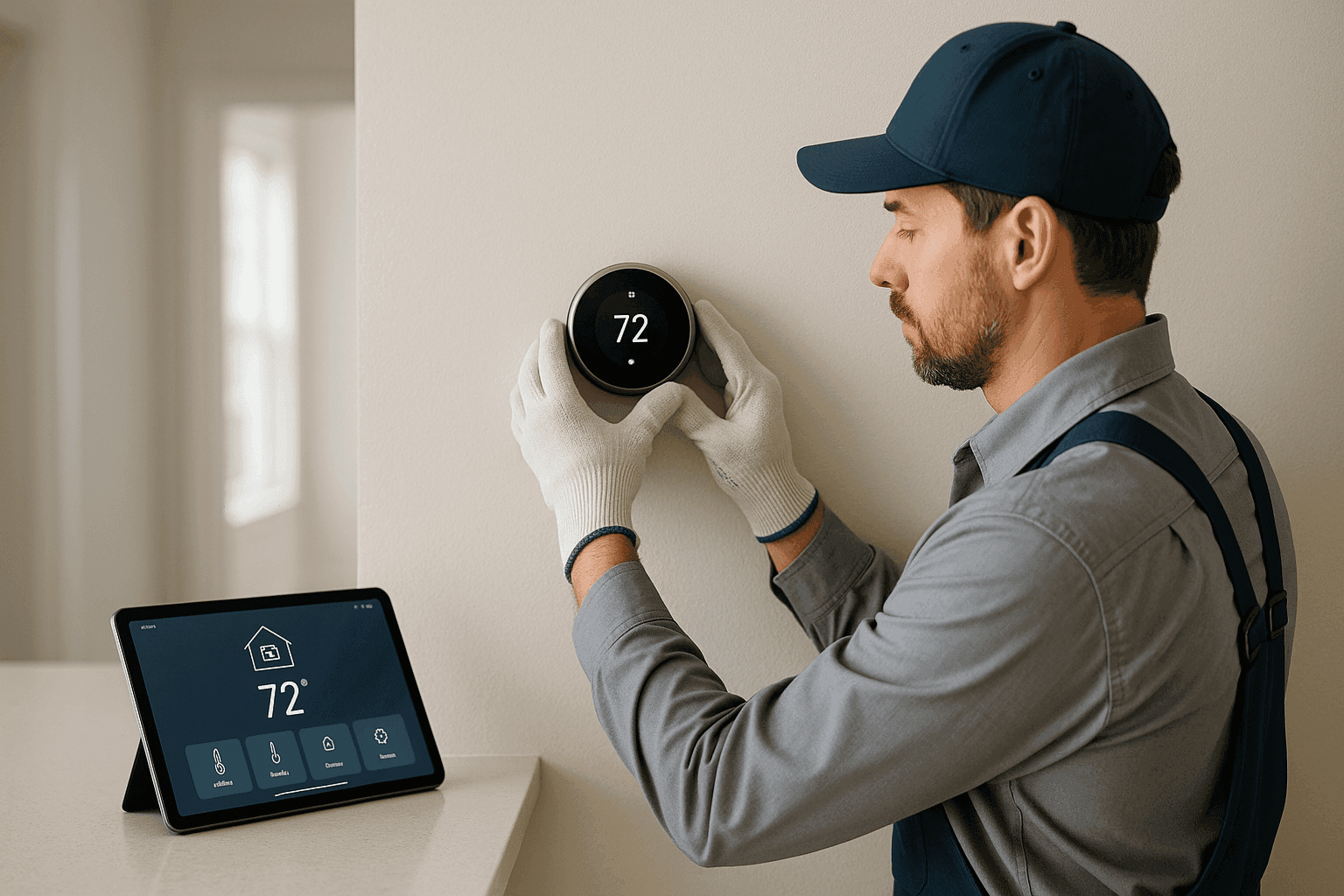
When you walk into your home and the temperature just feels right, it’s not magic—it’s smart heating at work. For families and business owners alike, comfort and efficiency matter more than ever. Upgrading to smart home heating is like switching from a flip phone to a smartphone: suddenly, you’re in control, wherever you are.
At GOGO Heating, we help people turn ordinary heating into a powerful, connected experience. Whether you’re new to smart homes or looking to add the latest features, you deserve solutions that fit your life and space.
What Is Smart Home Heating? 🤔
Think of smart home heating as your personal climate assistant. Instead of twisting dials or guessing settings, you use your phone, voice, or even your location to set the perfect temperature. Smart thermostats and integrated controls learn your habits, adjust for weather, and even help you save energy—automatically.
For residential and commercial spaces, this means:
- More comfort, less hassle
- Lower utility bills thanks to optimized schedules
- Remote control—at work, on vacation, or from your couch
- Data-driven insights into your comfort and energy use
No more coming home to a chilly living room or forgetting to turn down the heat when you leave. With the right setup, your heating responds to you, not the other way around.
Compatible Heating Equipment 🔌
Not every furnace or heat pump is ready for smart integration out of the box. But don’t worry—most modern systems can be upgraded, and even many older ones can join the party with the right tweaks.
Commonly compatible equipment includes:
- Forced-air furnaces (gas, electric, or oil)
- Geothermal systems
- Radiant floor heating
- Heat pumps (air-source and ground-source)
- Ductless mini-splits (with compatible controls)
If your current system is older or lacks a C-wire (the common wire), you might need an adapter or professional wiring adjustment. GOGO Heating can help you determine compatibility and recommend the best approach for your setup.
For business owners, integrating commercial-grade HVAC systems is also possible—just ask about specialized controls designed for larger spaces.
How to Integrate Thermostats and Controls
Upgrading your thermostat is the heart of smart heating. But it’s not just about swapping out hardware. Here’s how to get started:
1. Choose the Right Smart Thermostat
Not all thermostats are created equal. Look for:
- Compatibility with your heating system (check manufacturer specs)
- Connectivity (Wi-Fi, Z-Wave, Zigbee, or proprietary systems)
- Features: learning algorithms, geofencing, voice assistant integration (Alexa, Google Assistant, Siri)
- Local code compliance (ASHRAE, UL, or CSA standards)
For those searching “thermostats near you,” make sure you’re selecting models that support your home’s wiring and system type.
2. Assess Your Wiring
Smart thermostats often require a C-wire for continuous power. If your current setup lacks this, you’ll need to add one or use an approved adapter. Always turn off power at the breaker before handling thermostat wires.
3. Install and Configure
- Mount the new thermostat according to instructions
- Connect wiring, double-checking labels and diagrams
- Restore power and follow app-based setup
- Connect to Wi-Fi and test features (remote control, scheduling, etc.)
If this sounds daunting, don’t sweat it—our team tackles wiring, configuration, and troubleshooting every day. See our thermostats and hvac-installation service pages for more on what’s involved.
Features and Benefits of Smart Integration 🌡️
Why go smart? The advantages go far beyond convenience:
- Remote control: Adjust the heat from your phone, even before you get home
- Learning schedules: Your system adapts to your routines, saving energy when you’re away
- Room-by-room zoning: Target comfort where you need it, not where you don’t
- Alerts: Get notified about maintenance, filter changes, or unusual system behavior
- Integration: Link with other smart devices—lights, fans, even security systems
According to the U.S. Department of Energy, homeowners can save up to 10% a year on heating and cooling with proper thermostat programming.
For commercial spaces, automation maximizes comfort for staff and clients, while reducing operating costs.
Professional vs. DIY Upgrades 🛠️
Tempted to tackle the upgrade yourself? Some smart thermostats are designed for DIY installation, especially in newer homes. But there are risks:
- Wiring mistakes can damage your HVAC system
- Incorrect setup may result in poor performance or safety issues
- Code violations can lead to fines or insurance problems
When should you call a professional like GOGO Heating?
- Your system is older or lacks a C-wire
- You’re integrating with complex HVAC equipment
- You want to optimize for multiple zones or large spaces
- You simply want peace of mind
Licensed technicians know local and national code requirements (like those set by the National Electrical Code and ASHRAE). They’ll ensure a safe, efficient upgrade—no guesswork required.
Step-by-Step: Upgrading Your Heating for Smart Integration
- Evaluate your current system. What type of heating do you have? Is it compatible?
- Select the right smart thermostat. Consider your needs and your system’s wiring.
- Turn off all power. Safety first—use your circuit breaker.
- Label and disconnect existing wires. Take a photo for reference.
- Mount and wire the new device. Follow included instructions or code guidelines.
- Restore power and configure. Set up schedules, connect to Wi-Fi, and test all features.
If you run into trouble, stop and call a pro. It’s better to ask for help than risk damaging your system—or your safety.
Safety Tips and Code Guidelines ⚠️
- Always turn off power at the breaker before working on electrical systems.
- Double-check manufacturer instructions and local codes (consult sources like the National Electrical Code and ASHRAE standards).
- Use only listed and approved wiring and devices.
- If you smell gas or see exposed wires, stop and call for emergency service immediately.
For more on our 24-hour emergency service, visit our heating-installation page.
Frequently Asked Questions
Can I upgrade my old furnace to work with a smart thermostat?
In many cases, yes. Some older systems might need an adapter or professional rewiring, but most modern thermostats can work with a variety of setups. A quick system evaluation from GOGO Heating will give you a clear answer.
Will smart heating work with radiant floors or geothermal?
Absolutely. Many smart thermostats support radiant and geothermal systems, especially with professional installation. Compatibility depends on your wiring and system controls.
How much energy can I save with smart integration?
Savings depend on your habits, but the U.S. Department of Energy reports up to 10% annual savings with proper scheduling and control.
Can I control my heating from my phone?
Yes! Most smart thermostats offer easy-to-use mobile apps for remote control, scheduling, and monitoring.
Local and Seasonal Considerations
Climate can make or break your heating strategy. In places like Santa Rosa, California, mild winters still demand efficient comfort—especially when temperatures drop at night. Smart integration means you’re ready for seasonal swings, vacation homes, and unpredictable weather.
For local support, see Thermostats for Santa Rosa, California.
Ready to Get Started?
Upgrading your heating system for smart home integration is a leap toward comfort, control, and efficiency. Whether you’re a homeowner or business manager, small changes can make a big difference.
Have questions or want a professional to handle your upgrade?
Call GOGO Heating now — or reach us anytime at 844-467-0847 .