How Smart Thermostats Help You Save on Heating
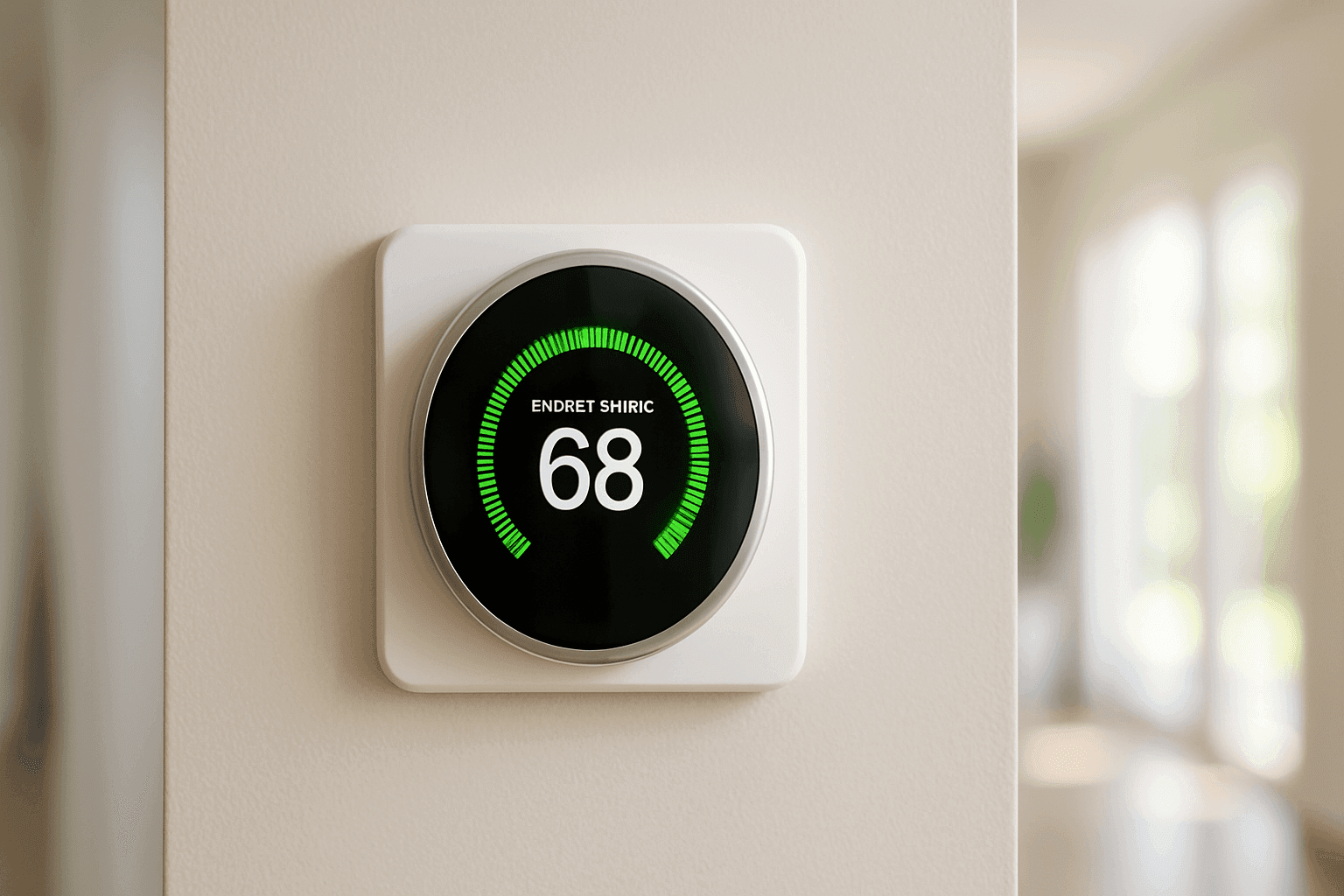
Is your heating bill feeling a little too high for comfort? You’re not alone. Many homeowners and businesses notice the costs climb each winter, even when they try to keep things reasonable. Luckily, new technology is making smarter heating—and lower energy bills—possible for everyone.
At GOGO Heating, we see firsthand how a simple change, like upgrading to a smart thermostat, can make a big difference. If you want more control, less waste, and lasting comfort, you’re in the right place.
What Is a Smart Thermostat? 🤖
Think of a smart thermostat as the conductor of your heating system. While standard thermostats are like old radios—you turn the dial and hope for the best—smart thermostats learn your habits, adjust automatically, and help you use energy wisely.
Most smart thermostats connect to your Wi-Fi. This lets you adjust the temperature from your phone, whether you’re on the couch or out of town. Some models even “learn” your schedule, turning down the heat when the house is empty and warming things up before you return.
Key differences between smart and traditional thermostats:
- Remote access: Change settings from anywhere using an app.
- Learning abilities: Some models adapt to your routines.
- Energy reports: Track usage and spot waste.
- Integration: Connects with smart home systems and voice assistants.
With these features, smart thermostats aren’t just gadgets—they’re partners in your quest for comfort and savings.
How Smart Thermostats Save Energy
Smart thermostats help you break the cycle of wasteful heating without sacrificing comfort. Here’s how they deliver real savings:
1. They Learn Your Patterns
Most smart thermostats “observe” when you’re home or away. They’ll automatically lower the heat when the place is empty and bring it back up before you return. No more heating an empty building.
2. Remote Adjustments
Forgot to turn down the heat before leaving? No problem. Open the app, tap a button, and adjust the temperature from anywhere.
3. Insights and Alerts
Smart thermostats can show you exactly how much energy you’re using each day. Some send tips or alerts if something seems off—like a furnace running longer than usual, which could point to a maintenance issue.
4. Zoned Heating
Some systems let you control temperatures in different rooms. Why heat the entire house when you only need warmth in one area?
5. Weather Awareness
Advanced models check local weather. Expecting a sunny afternoon? Your thermostat can back off on heating, knowing the sun will do some of the work.
The U.S. Department of Energy notes that you can save up to 10% per year on heating by turning your thermostat back 7°-10°F for eight hours a day—something a smart thermostat can handle automatically.
Top Features to Look For
Choosing a smart thermostat isn’t just about tech specs. It’s about finding features that fit your life—and help you get the most from your heating system.
Key Features:
- Learning Algorithms: Look for models that adapt to your schedule.
- Geofencing: Uses your phone’s location to know when you’re home or away.
- Easy-to-Use App: The best thermostat is one you’ll actually use. Make sure the interface is simple.
- Integration: Check compatibility with your HVAC system and any smart home devices.
- Energy Reports: Insightful, easy-to-read reports help you spot trends and savings.
- Voice Control: Hands-free adjustments with Alexa, Google Assistant, or Siri.
- Filter Reminders: Keeps your system running efficiently by alerting you when it’s time to swap out filters.
Check the ENERGY STAR list to see which models meet high efficiency and performance standards. Also, review your local building codes—some areas require specific thermostat types for new installations.
Installation and Setup Tips 🛠️
A smooth setup ensures your smart thermostat works as it should from day one. Here’s what to keep in mind:
Before You Begin
- Check compatibility: Not all thermostats work with every heating system. Furnace, heat pump, or radiant—know what you have.
- Turn off power: Safety first. Always shut off power at the breaker before removing your old thermostat.
- Label wires: As you disconnect, label each wire. Take a photo for backup.
- Review manufacturer instructions: Each model is a little different.
Professional Installation
While many smart thermostats are DIY-friendly, some situations call for a pro:
- Complex wiring or unclear connections
- Multi-stage heating systems
- Zoned or high-voltage setups
If you’re ever unsure, reach out to a qualified technician. At GOGO Heating, we’ve helped hundreds of homes and businesses get set up the right way. Learn more about our thermostat installation services.
Initial Setup
- Connect to Wi-Fi: Essential for remote access and updates.
- Download the app: Follow prompts to pair with your phone.
- Set your schedule: Start with your typical week, then fine-tune as needed.
- Explore settings: Play with features like geofencing, learning, and energy reports.
Real-World Savings Examples
Let’s talk results, not just theory. Here’s how smart thermostats deliver savings in the real world:
Case 1: Family Home
A Waterbury homeowner installed a smart thermostat and used its scheduling feature to lower the heat during weekdays while the house was empty. Over the winter, their heating bill dropped by nearly 12%. The thermostat’s monthly energy reports helped them spot additional savings, like setting a lower overnight temperature.
Case 2: Small Business
A local café switched to a smart thermostat with geofencing. The system automatically reduced heating after closing and warmed things up before staff arrived. The owner reported a noticeable drop in energy costs and fewer complaints about inconsistent temperatures.
Case 3: Rental Property
A landlord managing several units used smart thermostats to monitor and control heating remotely. This cut down on waste and helped identify units with potential HVAC issues before they became emergencies.
These stories aren’t unusual. According to ENERGY STAR and real customer feedback, most households save 8%–15% annually after switching to a smart thermostat.
Looking for Thermostats near me in Waterbury, Connecticut? GOGO Heating can help with installation and setup tailored to your home or business.
Safety & Code Considerations
Modern thermostats must be installed according to local electrical codes. The National Electrical Code (NEC) and manufacturer guidelines require safe handling of low-voltage wiring and secure mounting. Always turn off power at the breaker and use the right tools. For commercial spaces, ADA requirements may guide thermostat height and accessibility.
If you have concerns about wiring, compatibility, or code compliance, don’t risk it—contact a professional. For ongoing safety, regular heating maintenance helps catch issues early.
DIY vs. Call a Pro
Should you install a smart thermostat yourself or call for help? Here’s a quick comparison:
DIY
- Good for standard systems and basic wiring
- Save on labor costs
- Requires comfort handling wires and tools
Professional Installation
- Ensures compatibility with your system
- Handles complex wiring or multi-zone setups
- Confirms safe, code-compliant installation
- Can integrate with other HVAC upgrades
If your system is older, has multiple zones, or you’re unsure about wiring, a professional install is the safer bet.
Prevention & Maintenance
Smart thermostats help your system run efficiently, but regular maintenance is still key:
- Change filters as recommended (your thermostat may remind you)
- Schedule annual HVAC maintenance to keep things running smoothly
- Keep thermostat software updated for security and performance
- Check batteries (if required) once a year
Preventive steps ensure you get the most from your investment and avoid unexpected surprises.
Costs & Time Factors
Smart thermostats range from $80 to $300 for most models. Installation may be DIY or require professional help, which can add to the cost depending on system complexity.
Time to install:
- DIY: 30–60 minutes for a straightforward system
- Pro: 1–2 hours, including setup and testing
Factor in potential rebates from utility companies—many offer incentives for smart thermostat upgrades.
When It’s an Emergency 🚨
If your heating suddenly fails—especially in winter—don’t wait. Sometimes, an old or faulty thermostat is the culprit. Signs include:
- Furnace not turning on
- Inconsistent temperatures
- Unresponsive controls
GOGO Heating offers 24-hour emergency service to get your heat back fast.
FAQ
Do smart thermostats work with all heating systems?
Most work with common forced-air and heat pump systems, but always check compatibility before buying.
Will installing a smart thermostat void my warranty?
As long as installation follows manufacturer guidelines and local codes, most warranties remain intact. Keep documentation.
How much can I actually save?
Savings vary—most homes and businesses see 8–15% lower heating bills, depending on usage and local rates.
Can I use a smart thermostat if I rent?
Many landlords allow upgrades if the original thermostat is saved. Always ask permission first.
Local & Seasonal Considerations
In Waterbury and throughout Connecticut, winter brings serious cold. Smart thermostats help you stay comfortable without waste, even during deep freezes. For commercial spaces, energy savings add up fast, especially during off-hours.
Each region has its own quirks—old homes, drafty windows, or varying heating types. Smart thermostats are flexible tools that adapt to your needs, wherever you are.
Ready to save on heating and take control of your comfort?
Call GOGO Heating now — or reach us anytime at 844-467-0847 .